
Billing 8 min read
Prior Authorization Workflow in Patientree
Use Patientree clinical billing and AI prior authorization assistance to draft auth requests, track status, and reduce delays.
In the Patientree app
/dashboard/clinical-billing
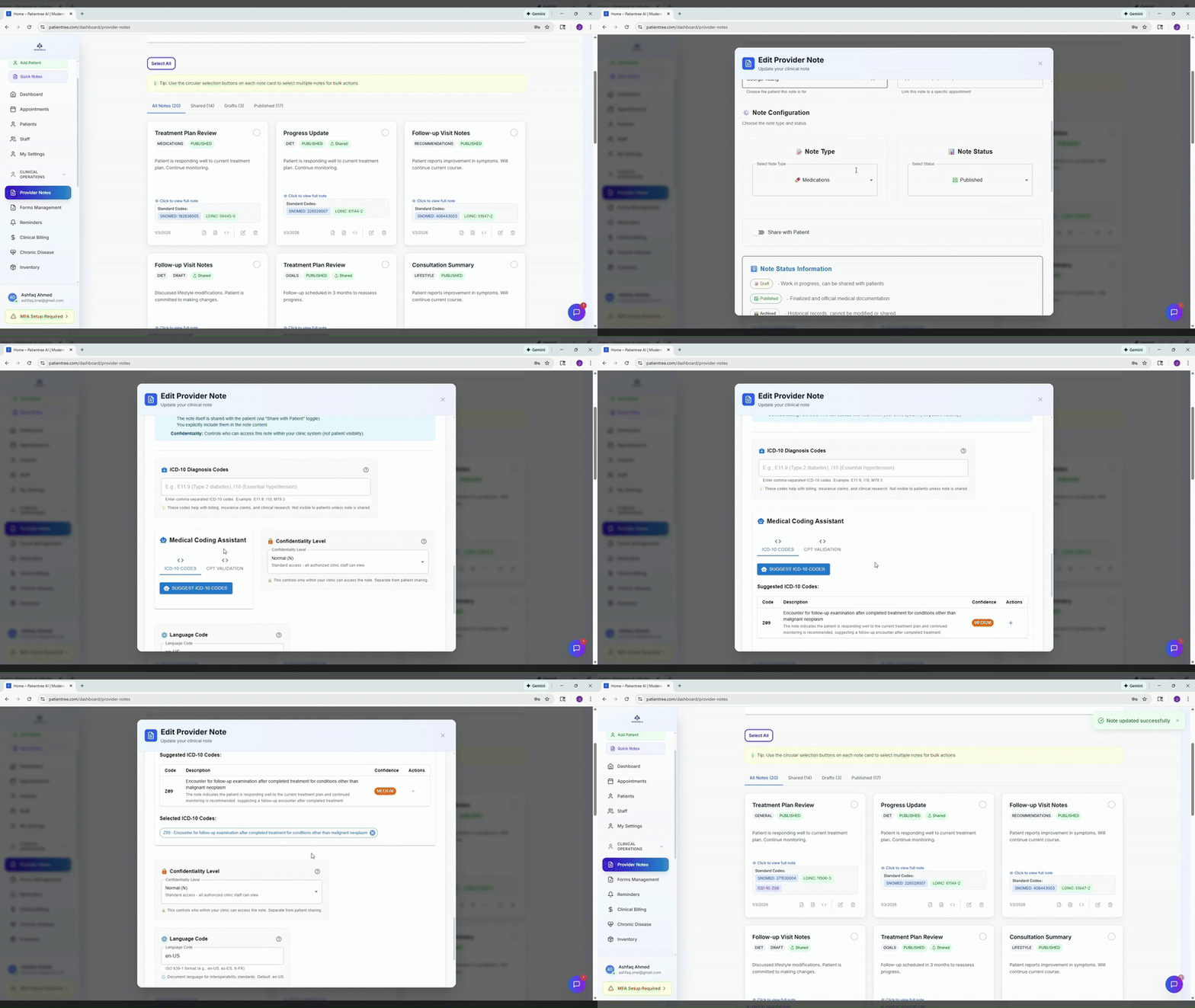
Prior authorization in Patientree is centered on Clinical Billing with an AI Prior Authorization panel.
When to use this workflow
- Imaging, procedures, DME, or specialty meds requiring payer approval
- High denial rates from missing clinical justification
- Staff spending hours in payer portals re-entering the same data
Step 1 — Open clinical billing
- Navigate to
/dashboard/clinical-billing. - Locate the patient invoice or service line needing authorization.
- Confirm clinical documentation supports medical necessity.
Step 2 — Draft with AI assistance
Open the Prior Authorization panel to:
- Pull context from clinical notes and orders
- Draft payer-specific justification language
- List required attachments (notes, labs, conservative therapy trial)
Always have clinical staff verify facts before submission — AI drafts are not guarantees of approval.
Step 3 — Submit and track
- Submit through your payer channel (portal, fax, or clearinghouse — depends on payer).
- Record authorization number, effective dates, and visit limits in Patientree.
- Set staff alerts for pending and expiring auths.
Step 4 — Denials and appeals
When denied:
- Capture denial reason code in billing notes.
- Attach supplemental documentation.
- Use structured appeal templates per payer.
Track turnaround time monthly — aim to reduce days-in-auth for high-volume procedures.
Metrics
| KPI | Why it matters |
|---|---|
| Average auth turnaround | Patient access + revenue timing |
| Denial rate by payer | Contract or documentation issue |
| Staff hours per auth | ROI of automation |
See also: Prior authorization AI solution.
FAQ
Does Patientree submit to payers automatically?
Patientree assists with drafting and tracking; payer connectivity varies by integration. Confirm your clinic’s submission channel.